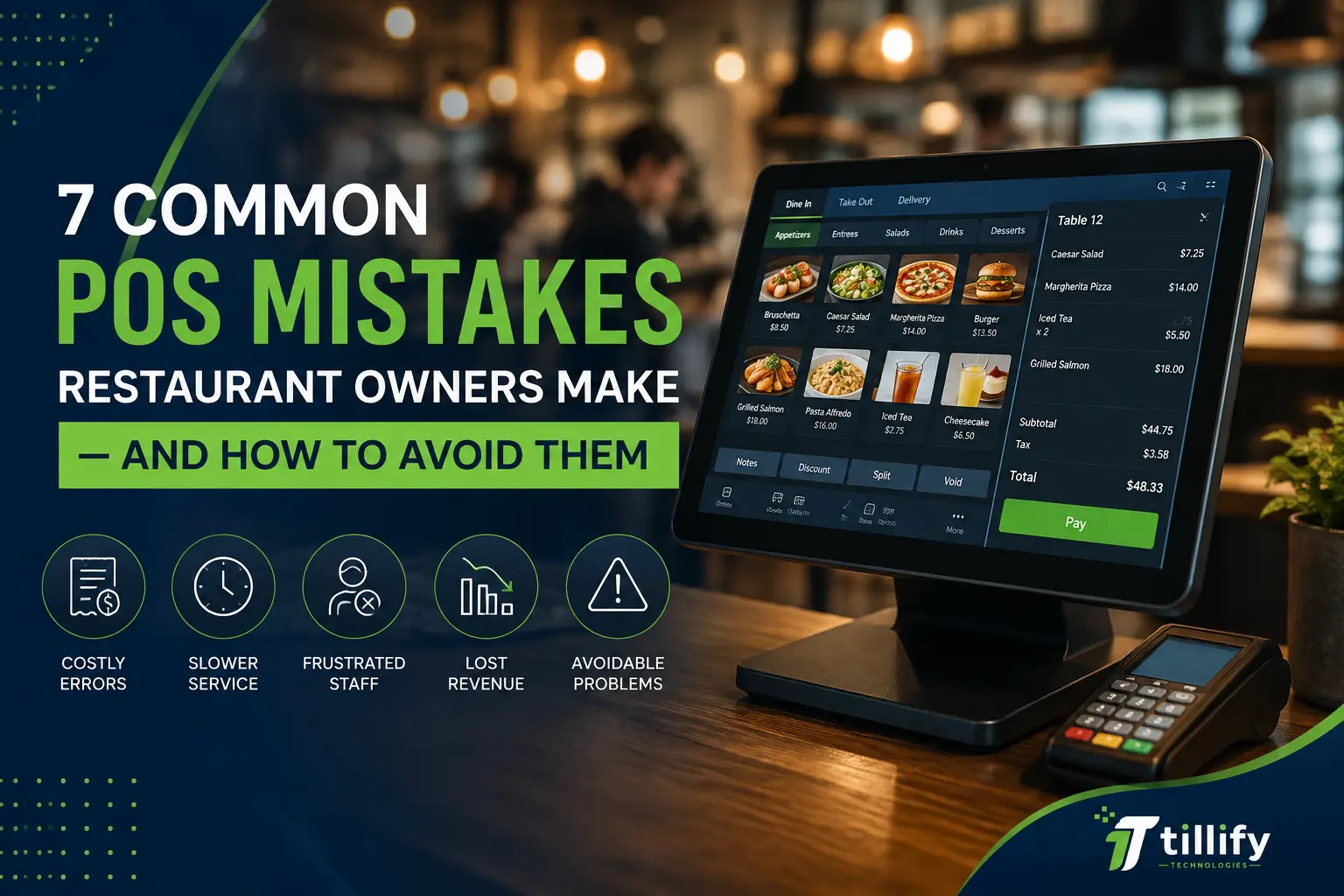
7 Common POS Mistakes Restaurant Owners Make and How to Avoid Them
A point-of-sale system is one of the most important pieces of technology in a restaurant.
It processes transactions, sends orders to the kitchen, tracks sales, manages menus, controls permissions, and often connects with online ordering, loyalty programs, gift cards, payroll, inventory, and other systems.
But simply having a modern POS system doesn’t mean you’re getting the most out of it.
Many restaurant technology problems aren’t caused by choosing a “bad” POS. They happen because the system wasn’t properly selected, configured, maintained, or adapted as the restaurant changed.
Here are seven common POS mistakes restaurant owners make—and what you can do differently.
1. Choosing a POS Based on Price Alone
Restaurant margins are tight, so keeping technology costs under control matters. But the least expensive POS system isn’t necessarily the least expensive system to operate.
A lower monthly fee can quickly lose its appeal if the system doesn’t support the way your restaurant operates.
Before choosing a POS, consider questions such as:
- Does it work well with your restaurant concept?
- Can it handle your menu structure and modifiers?
- Does it integrate with the other technology you use?
- How does payment processing work?
- What happens if your internet connection goes down?
- How responsive is support?
- Can the system grow with additional locations?
- What features require additional subscriptions?
Instead of comparing only the advertised monthly price, consider the total cost of operating the system.
That includes hardware, software subscriptions, payment processing, integrations, installation, support, and the time your staff spends working around limitations.
2. Building an Overly Complicated Menu
A POS menu should make ordering faster—not force employees to hunt through screens to find what they need.
Over time, restaurant POS menus often become cluttered with duplicate items, old buttons, unnecessary modifiers, inconsistent naming, and poorly organized categories.
The result can be slower order entry and more opportunities for mistakes.
A well-designed POS menu should follow the restaurant’s natural workflow.
For example, modifiers should appear when employees actually need them, popular items should be easy to reach, and unnecessary choices should be removed.
It’s also worth reviewing your menu periodically.
As your physical menu changes, your POS configuration should change with it.
3. Giving Every Employee the Same Permissions
It’s convenient to give employees broad access when setting up a system, but it can create unnecessary operational and security risks.
Servers, bartenders, managers, kitchen employees, and owners don’t necessarily need access to the same functions.
Your POS may allow you to restrict actions such as:
- Voids
- Comps
- Discounts
- Refunds
- Cash drawer access
- Reporting
- Menu changes
- Employee management
- Payment adjustments
Use role-based permissions whenever possible.
Managers can still have the tools they need to resolve customer issues while sensitive administrative functions remain restricted.
4. Ignoring the Restaurant’s Network
Your POS doesn’t operate in isolation.
Terminals, printers, kitchen display systems, payment devices, tablets, online ordering systems, and other equipment may all depend on your restaurant’s network.
Unfortunately, networking is often treated as an afterthought.
A consumer-grade router sitting underneath the host stand may work now. How about a busy Saturday night when the restaurant is full, and employees suddenly can’t communicate with a printer or payment device?
Restaurants should consider their network part of their core operating infrastructure.
That means considering reliable internet service, properly configured network equipment, secure Wi-Fi, device placement, cabling, and, where appropriate, backup connectivity.
A great POS running on an unreliable network can still create a terrible experience.
5. Not Training Employees Beyond the Basics
POS training often looks something like this:
“Here’s how you ring in an order. Here’s how you close a check. Good luck.”
That may be enough to get through the first shift, but it doesn’t teach employees how to use the system effectively.
Staff should understand the functions relevant to their roles, including how to handle common exceptions.
What happens when a guest wants to split a check?
How should an item be transferred?
What happens if a payment is entered incorrectly?
Who can approve a void?
What should employees do if a printer stops working?
Good training creates consistency. It can also reduce the number of situations that unnecessarily become manager emergencies.
6. Adding Too Many Restaurant Tech Integrations
Modern restaurants have access to an enormous ecosystem of technology.
Online ordering. Reservations. Delivery. Loyalty. Inventory. Scheduling. Accounting. Payroll. Marketing. Gift cards. Kitchen displays. Customer databases.
Integrations can be incredibly useful, but more technology isn’t automatically better.
Every new platform introduces another system to configure, maintain, train employees on, and potentially troubleshoot.
Before adding another restaurant technology product, ask:
What problem are we actually trying to solve?
Then determine whether the new platform solves that problem well enough to justify its cost and complexity.
Ideally, your technology should work together as an ecosystem rather than becoming a collection of disconnected subscriptions.
7. Setting Up the POS Once and Never Revisiting It
Restaurants change constantly.
Menus change.
Prices change.
Employees change.
Service models change.
New integrations are added.
Old equipment gets replaced.
Yet many restaurants continue using essentially the same POS configuration they had when the system was installed.
Your POS should evolve with your operation.
Periodically review your menu structure, user permissions, reporting, hardware, integrations, payment configuration, and workflows.
You may discover that features you’re already paying for could eliminate manual processes, or that old configurations are making everyday tasks unnecessarily difficult.
Your POS Should Make the Restaurant Easier to Run
Restaurant technology should reduce friction.
When employees spend too much time fighting with terminals, searching for menu items, troubleshooting printers, correcting orders, or working around disconnected systems, technology starts creating problems instead of solving them.
The goal isn’t necessarily to have the newest POS system or the most restaurant technology.
It’s about having the right technology, configured the right way, for how your restaurant actually operates.
A periodic review of your POS environment can uncover surprisingly simple improvements that make life easier for employees, managers, and guests.
Need Help With Your Restaurant Technology?
Tillify Technologies helps restaurants evaluate, implement, configure, and improve point-of-sale systems and the technology surrounding them.
Whether you’re opening a new restaurant, replacing an existing POS, cleaning up an inefficient system, or trying to figure out why your current technology isn’t working the way it should, we can help you identify practical improvements.
Make your restaurant technology work for your operation, not the other way around.